Skincare, beauty & cosmetics stores
A POS for skincare, beauty and cosmetics stores, made in one
Zero POS is the cosmetics store POS built inside a working skincare and treatment business, and it runs there every day. It knows about testers, facials, gift cards at Christmas and the regular who’s due back.
Free during early access · no card neededUpdated

At the counter
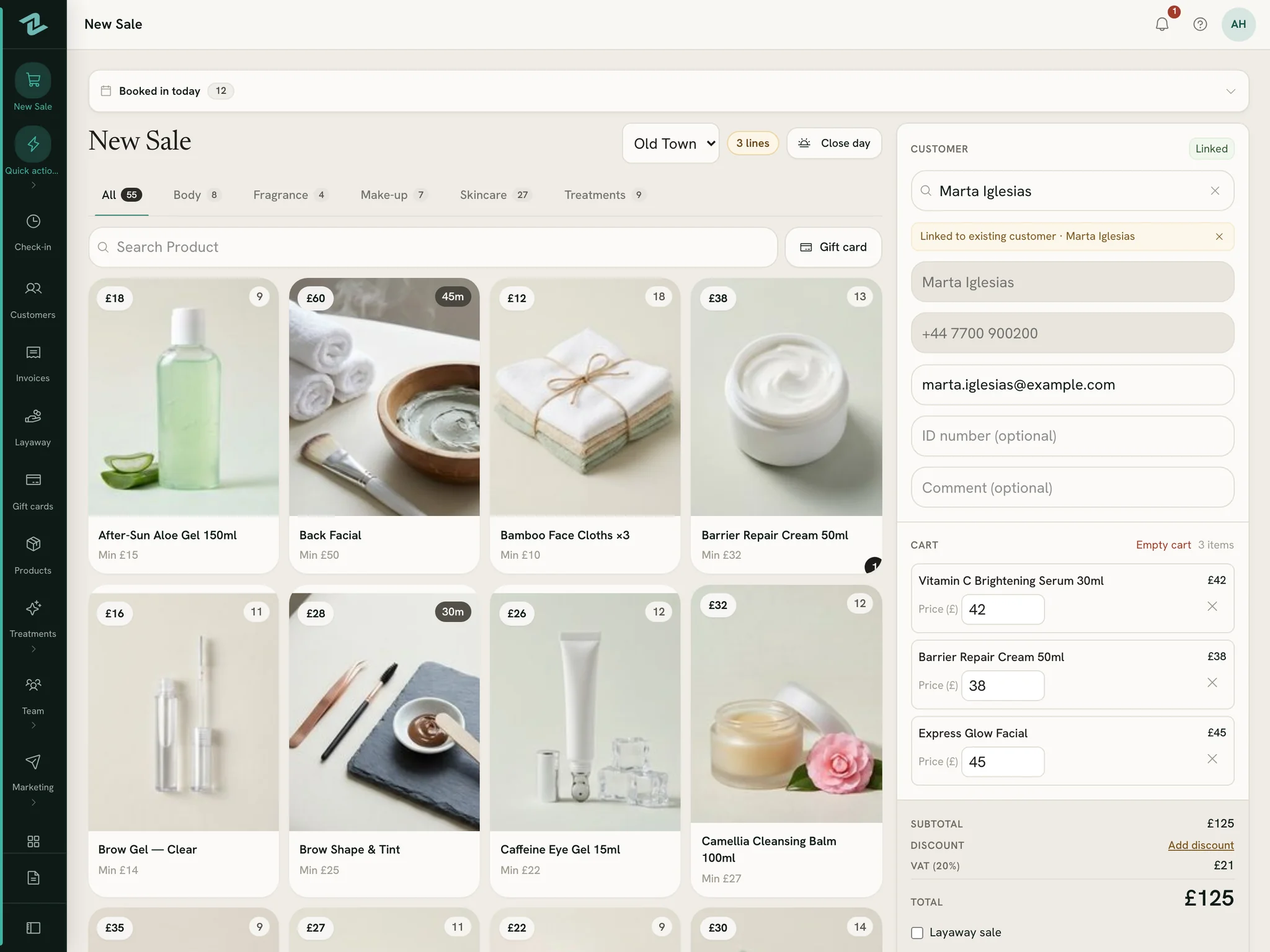
A serum and a facial, one ticket
Products and treatments together
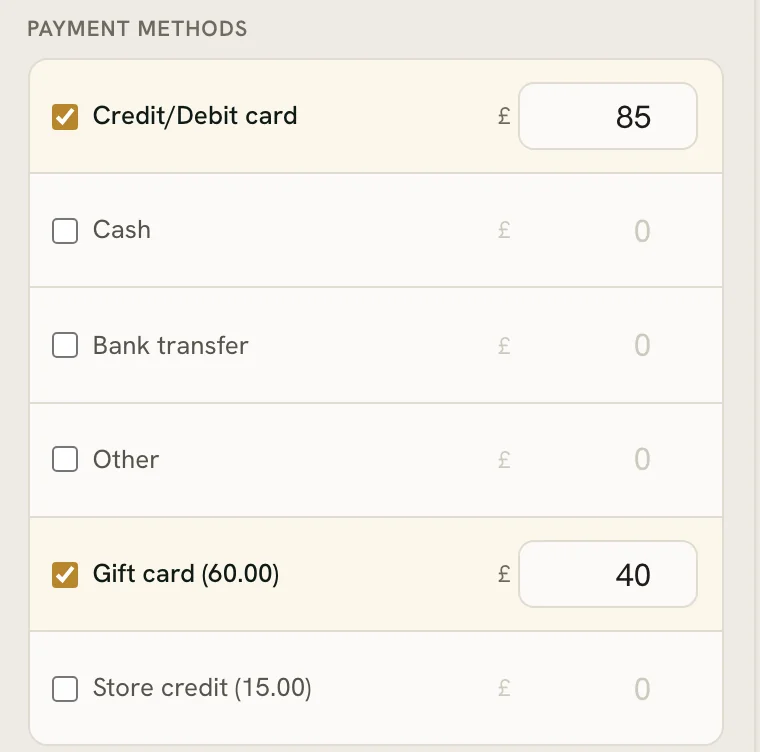
Sell the cleanser and the facial on the same sale. Split the payment between card, cash, a gift card or store credit, and credit whoever sold it, or share it between two.
Gift cards at Christmas
Sell cards in the amounts you choose, each printed with its own code and an expiry you set. Customers spend them bit by bit, and each card counts as a sale the day it’s sold.
Layaways
Put a gift set aside with a deposit. Any seller can take the next payment, and it’s handed over once it’s paid for.
Sales tax the American way
Type your prices before tax, set your rate once, and the till adds it on top. Receipts, invoices and reports say Sales tax.
On the shelf
Testers counted, stock where it should be
Testers, tracked
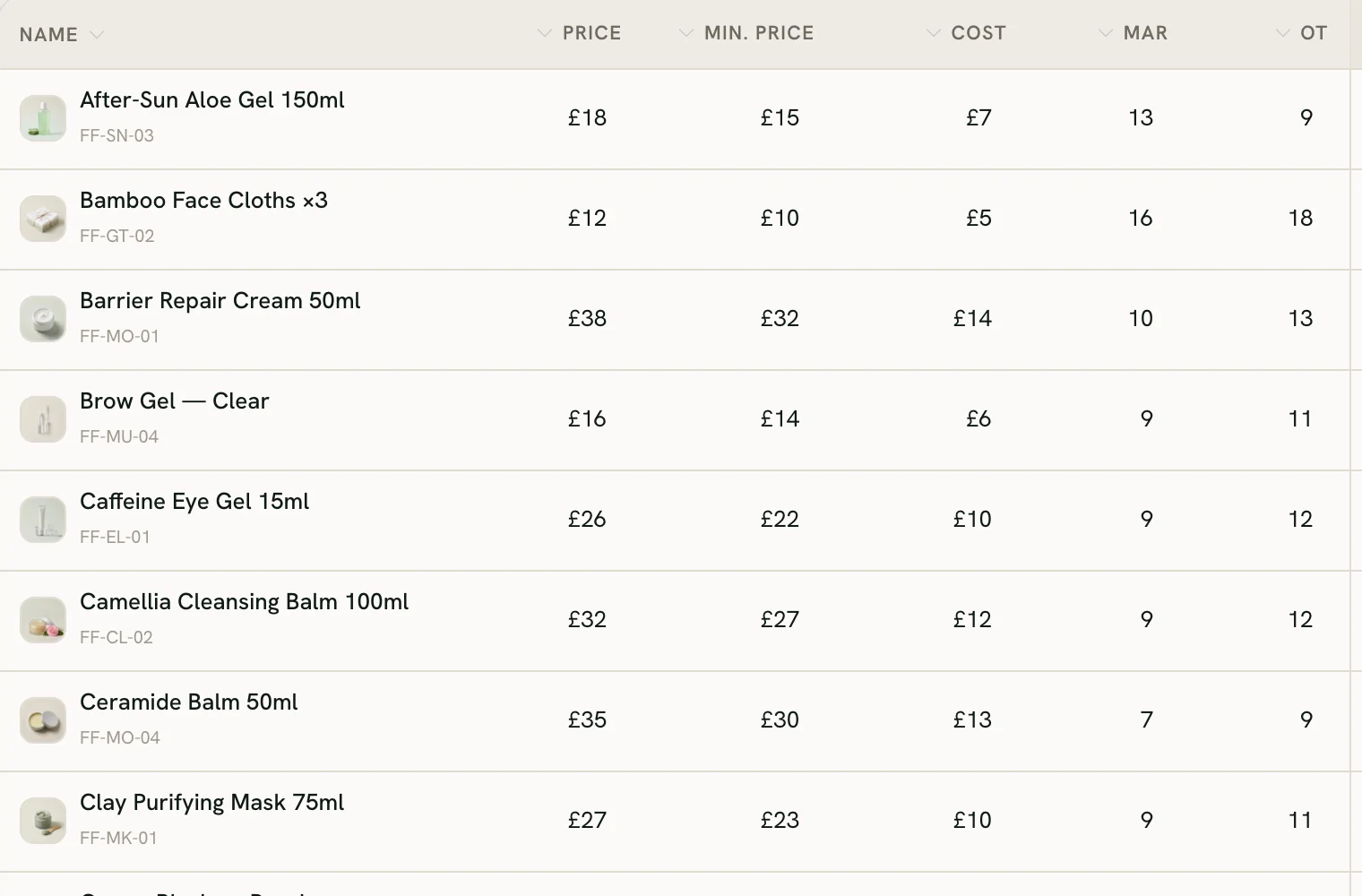
Record each tester as you open it: it comes off stock with a note, the product dashboard shows the tester units, and the accounts count their cost as a loss.
Two shops, one view of the stock
See every shop’s stock, move units between them, count without seeing the expected figure, and reorder from your low-stock list.
Your catalogue from a spreadsheet
Import your product list, barcodes included, with a preview first, and undo the import if something looks wrong. Switch on scanning and the till gets a Scan button.
A day on Zero POS
Open, sell, book, close
A made-up day in a skincare shop with a treatment room. Every step in it is something Zero POS does today.
Open
The first seller clocks in on their phone and picks the shop. If you open the day at the till, the till asks for it before the first sale.
Sell
A customer buys her usual cleanser and has a facial while she’s in. Both go on one ticket, part paid on the shop’s card terminal and part on a gift card.
Book
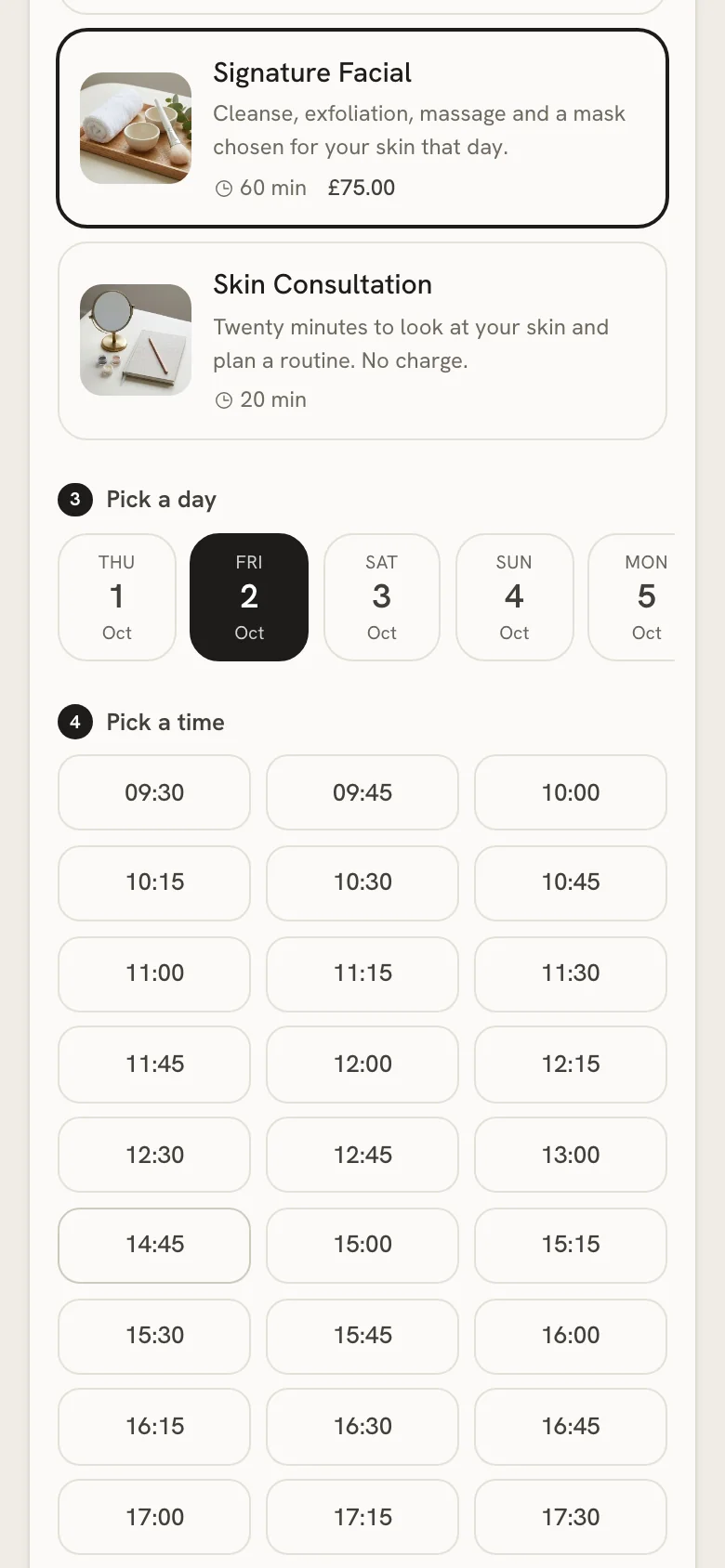
Someone books a facial for Saturday from the link in the shop’s Instagram bio. It lands in the diary marked Online, and the team gets a notification.
Close
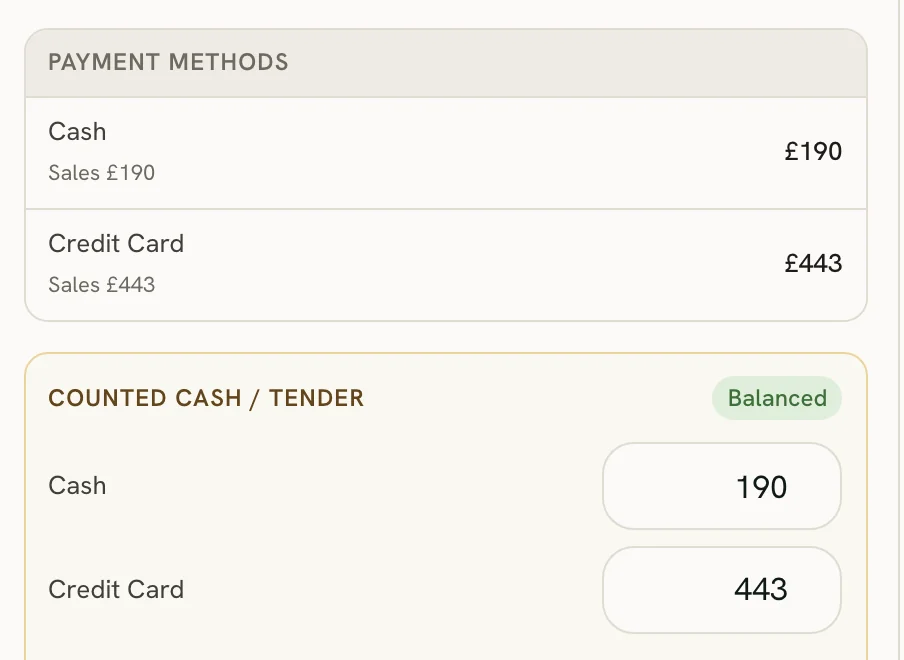
The closer counts the cash, checks the card total against what the till expects, closes the day and prints the slip. Anyone still clocked in is clocked out.
With your customers
Points, credit and a reason to call
Loyalty points and store credit
Customers earn points on what they spend, faster in the tiers you set. Store credit a manager adds sits on their file and pays at the till.
Who to call this week
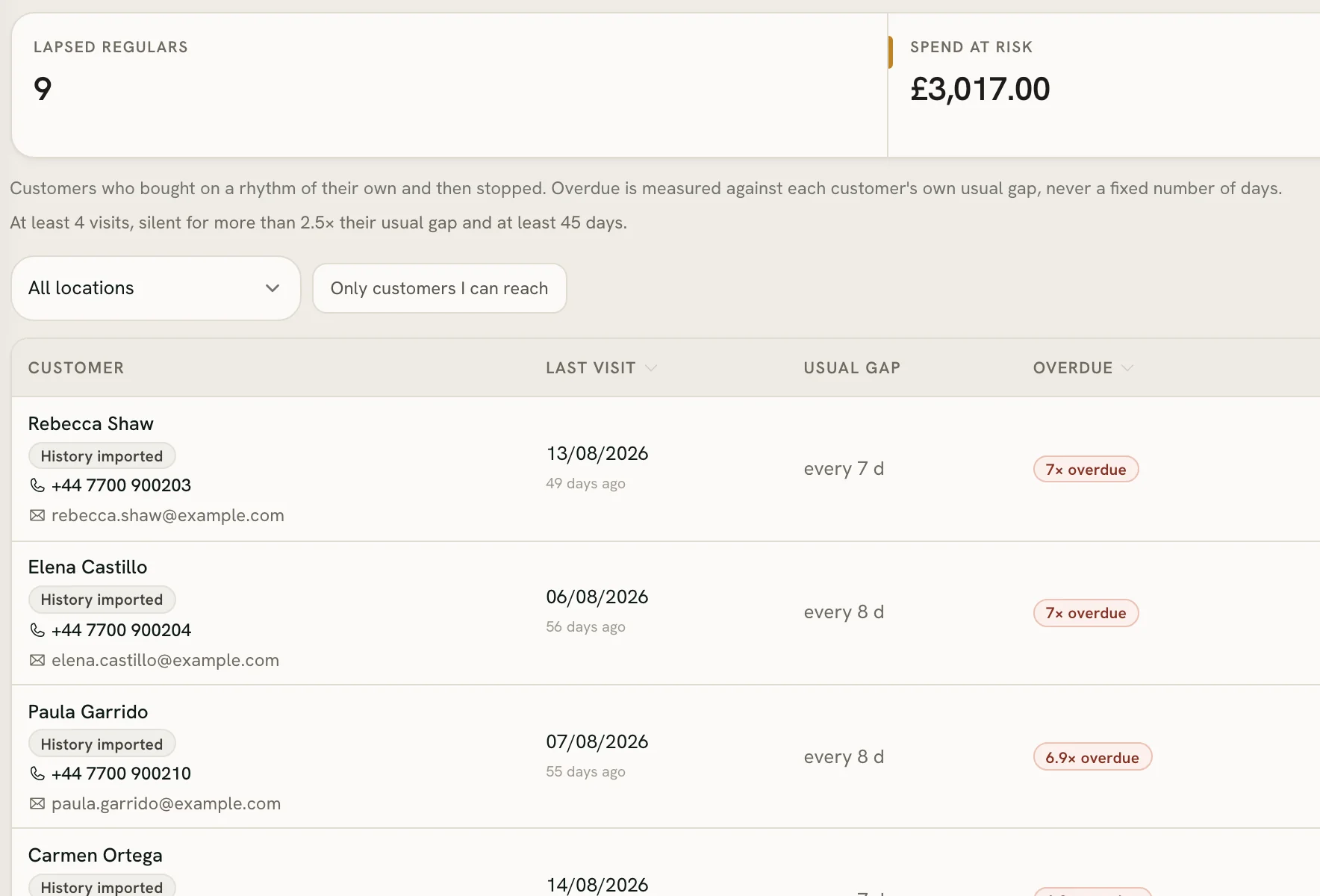
Worth a call lists the regulars who’ve gone quiet by their own rhythm, the big spenders you haven’t seen, and layaways with money owing.
Offers from your own email
Send an offer built from your own products, from your own address, to the customers who said yes.
A skincare plan to take home
Print a skincare plan, a business card or a discount slip on the receipt printer. Nothing is sold and nothing is saved.
How it works
With your team
Commission for the people who sell
Commission, worked out
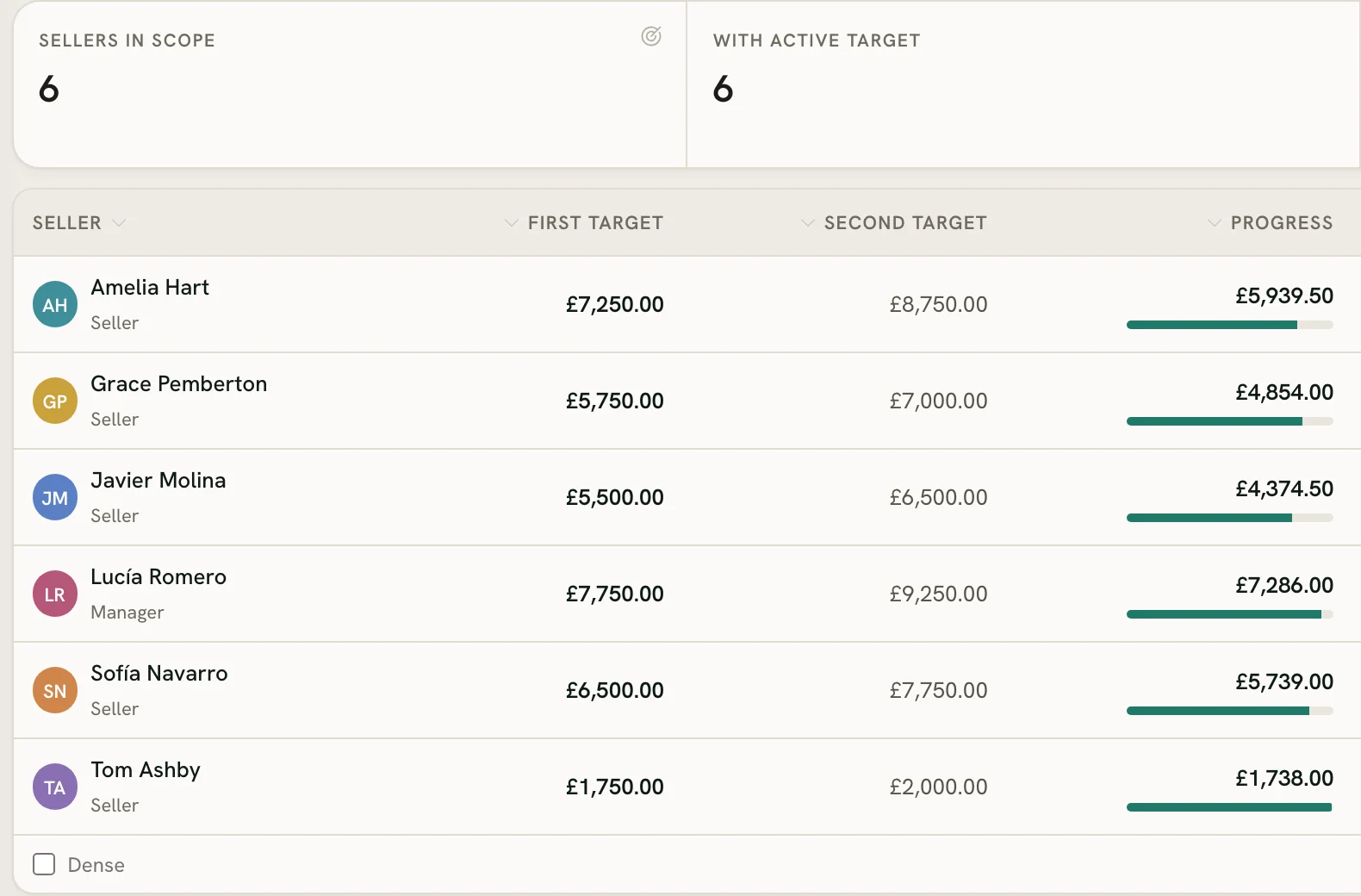
Tiers for each person on each day’s sales, before tax. A gift card earns for whoever sold it, and a layaway earns as it’s paid.
Targets on everyone’s screen
Each seller sees their own sales against their target, and there’s a leaderboard for the day.
A bilingual team
Each person picks English or Spanish for their own screens. Receipts come out in the language your customers read.
How it works
Questions
What cosmetics stores ask first
What should a POS for a cosmetics store do?
Can I run more than one cosmetics store?
Can I bring my product list from a spreadsheet?
Does it work with my card terminal?
Try it on your own shelf
Start a free workspace, add a few products and make a test sale. Nothing is charged during early access.
Free during early access · no card needed
Already use Zero POS? Sign in