Med spas
Med spa software, from the consultation to the skincare
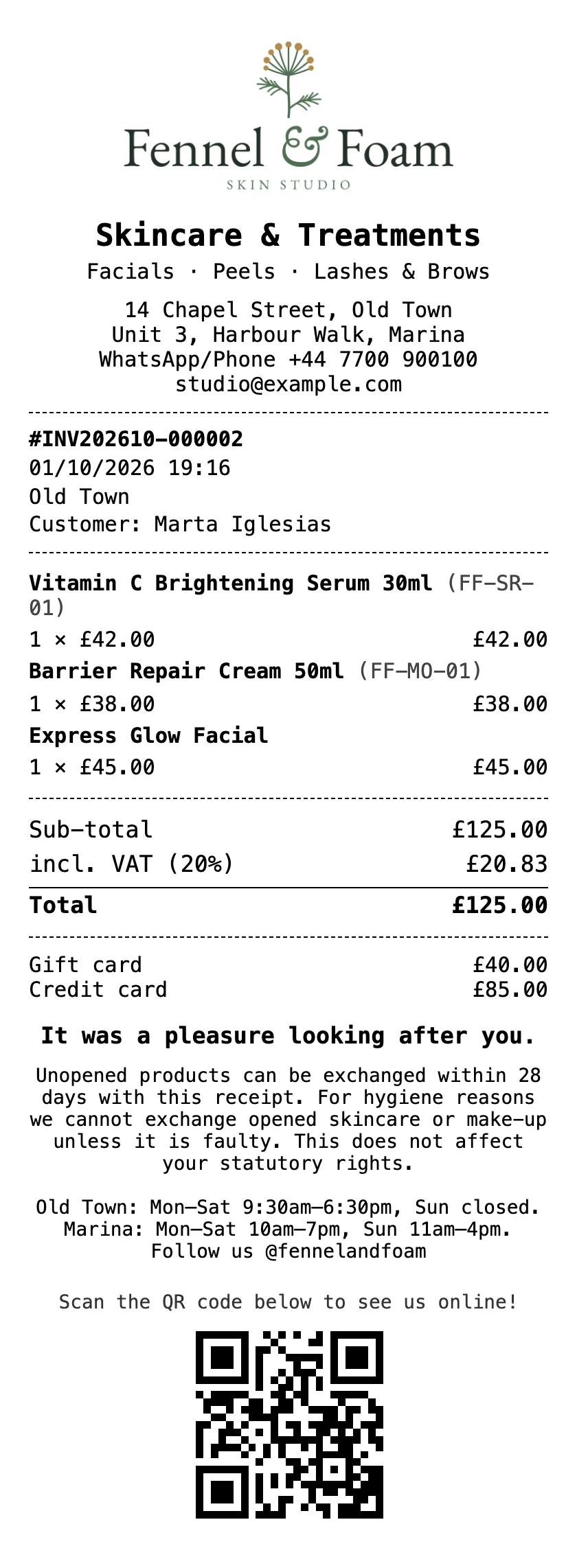
Clients book their consultation from a link. The front desk sees every appointment, names the provider for each, rings up the treatment and the skincare that goes home on one ticket, and sells the gift cards your clients give.
Free during early access · no card neededUpdated

The front desk
Consultations, treatments and who does each one
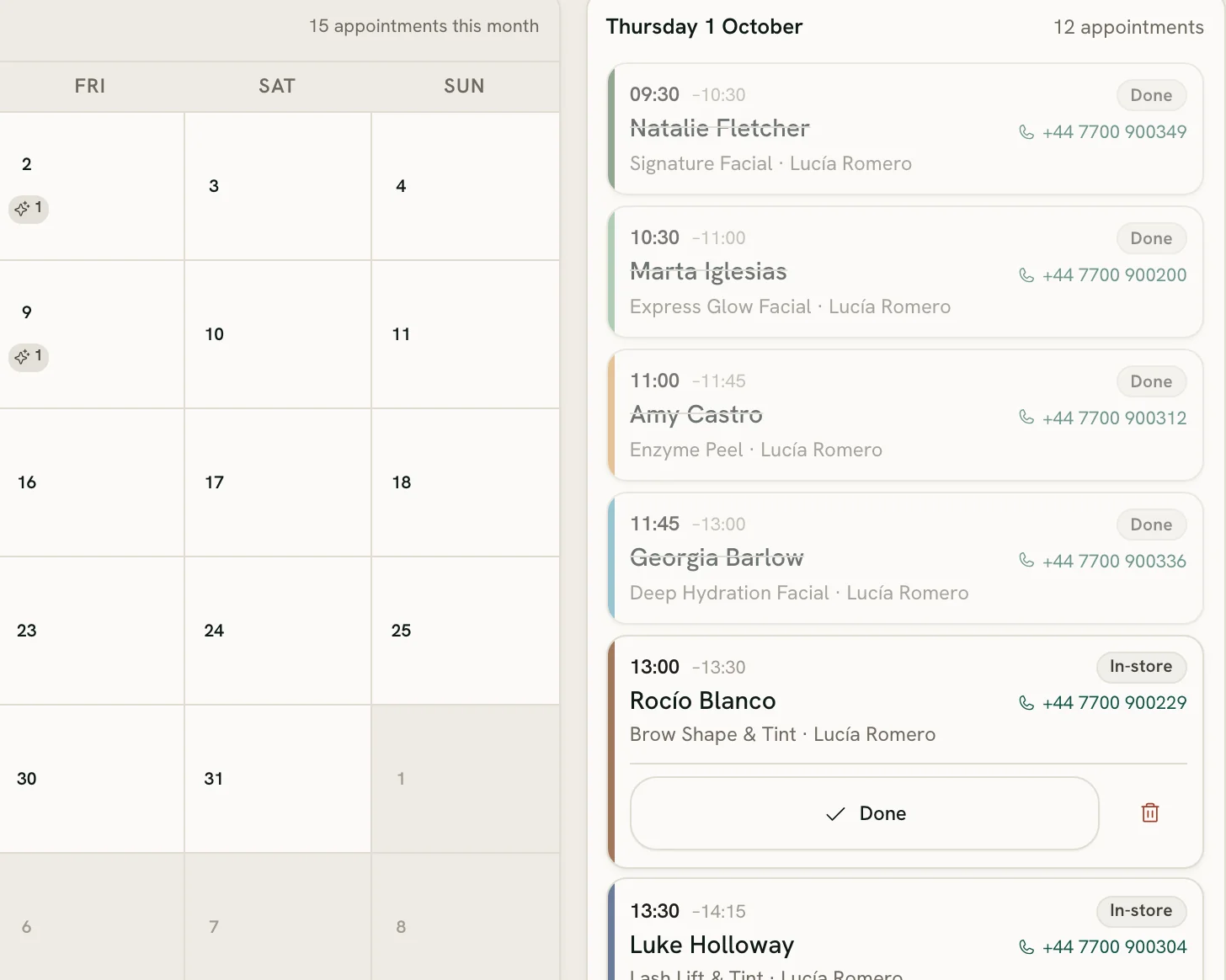
Every treatment on your menu has its own length, price and calendar colour, and the diary draws the free time between appointments, counting your rooms.
Consultations that cost nothing
Make a consultation bookable without selling it: it holds its time in the diary like any appointment, and is never rung up.
One client at a time, per provider
Name who does each appointment. Nobody can be booked for two at once, at any of your locations.
Rooms, counted
Say how many treatments can run at once, and a time stays bookable while a room is free for the whole treatment.
Each treatment where it’s done
With several locations, offer a treatment only at the ones that do it, and clients booking online see it only there.
Online booking
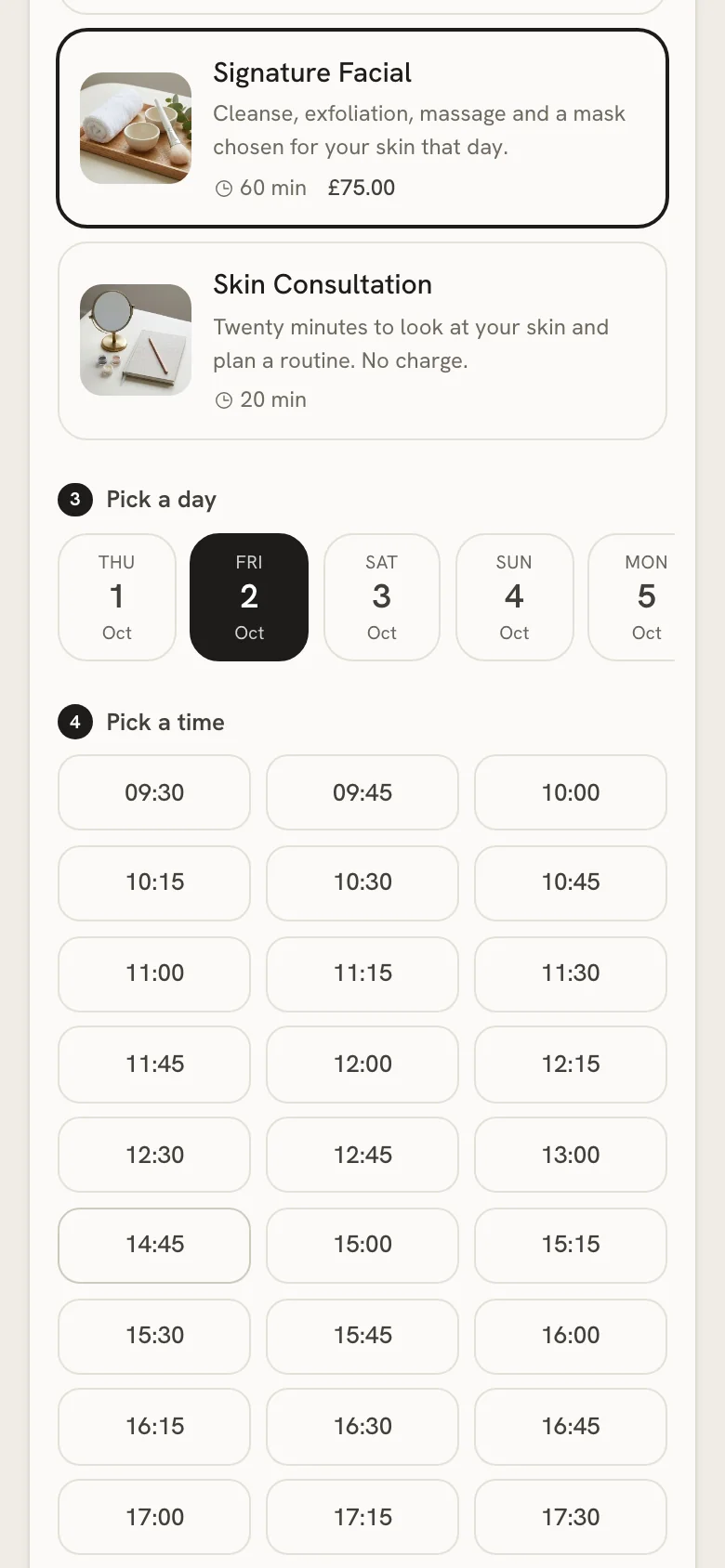
Clients book themselves, into times that are really free
Share one link on your website, in your Instagram bio or in a WhatsApp reply, or print it as a QR code on your receipts.
Only what’s really free
The page checks your opening hours, your rooms and the diary. A treatment that can’t finish before closing isn’t offered that day.
Your notice, your horizon
Set the shortest notice anyone can book with and how far ahead they can see. Show your prices, or keep them for the consultation.
No account, no password
Clients leave a name and a phone number. With an email, they get a confirmation and a link to cancel.
An alert for every booking
Each one lands in the diary marked Online, and your team gets an alert, in each person’s own language.
Reminders by email or text
Remind clients the day before, two hours before or both, with a link to stop them in every message. Texts go from your own Twilio account.
How it works
The skincare that goes home
The treatment and the regimen, one ticket
Today’s appointments sit above the product grid, so the client walks out of the treatment room and straight to payment.
Split it any way
Part card, part cash, part gift card or store credit. Take the card on the terminal you already have: Zero POS takes no cut of your card sales.
Professional skincare, real stock
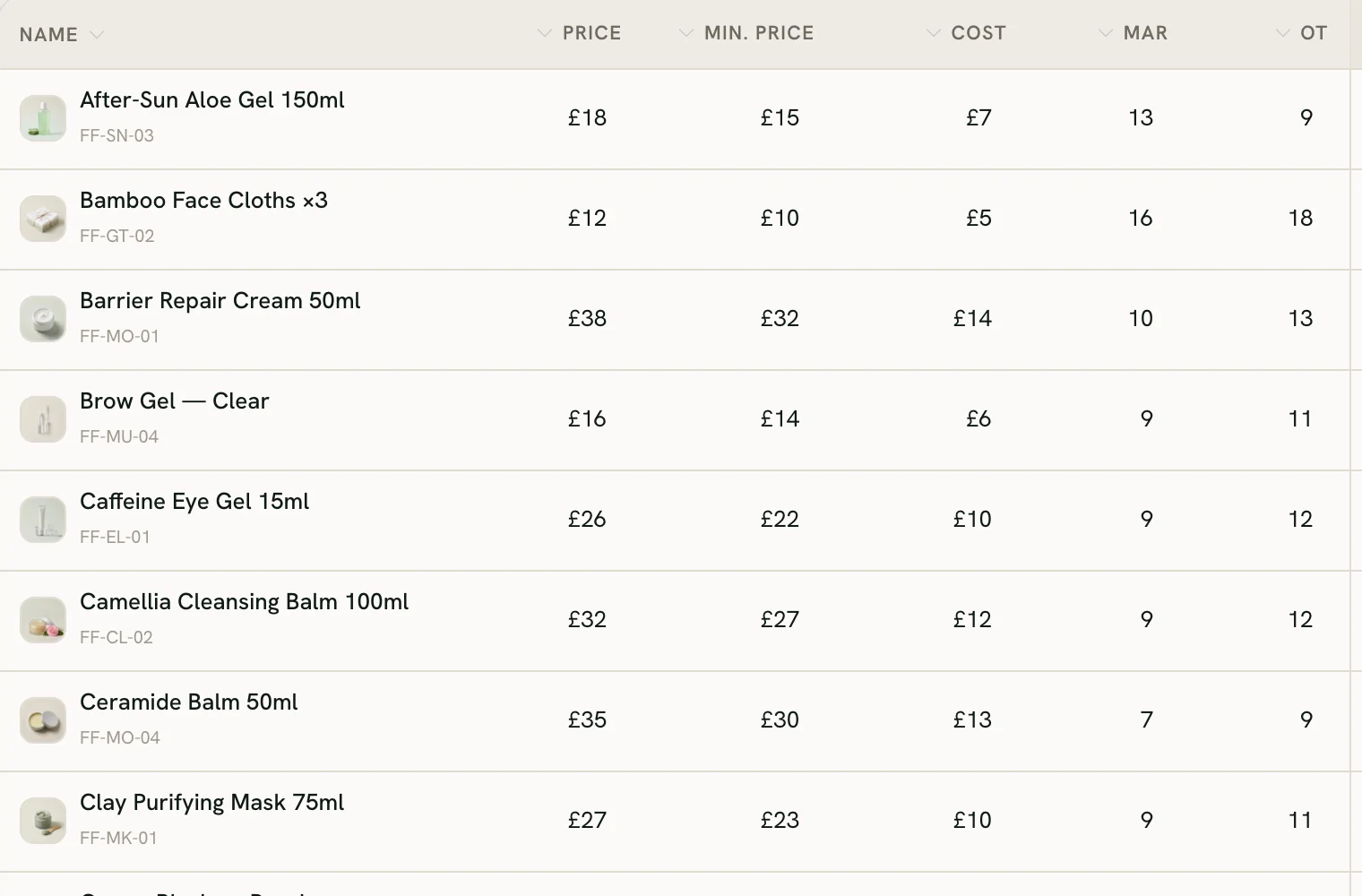
Each product comes off that location’s count; the treatment moves none. A low-stock alert, blind stock-takes and a reorder list keep the shelf full.
Commission on both
Treatments and products count alike towards each person’s commission, in daily tiers before tax, or their hourly rate when that comes to more.
Tips, if you want them
Ask for a tip at checkout, if you want to: your own percentages, one the client names or any amount. You choose who gets it: whoever made the sale, a split with the team on shift, or everyone on shift, equally or by hours worked. It stays out of your sales, tax and commission.
Clients who come back
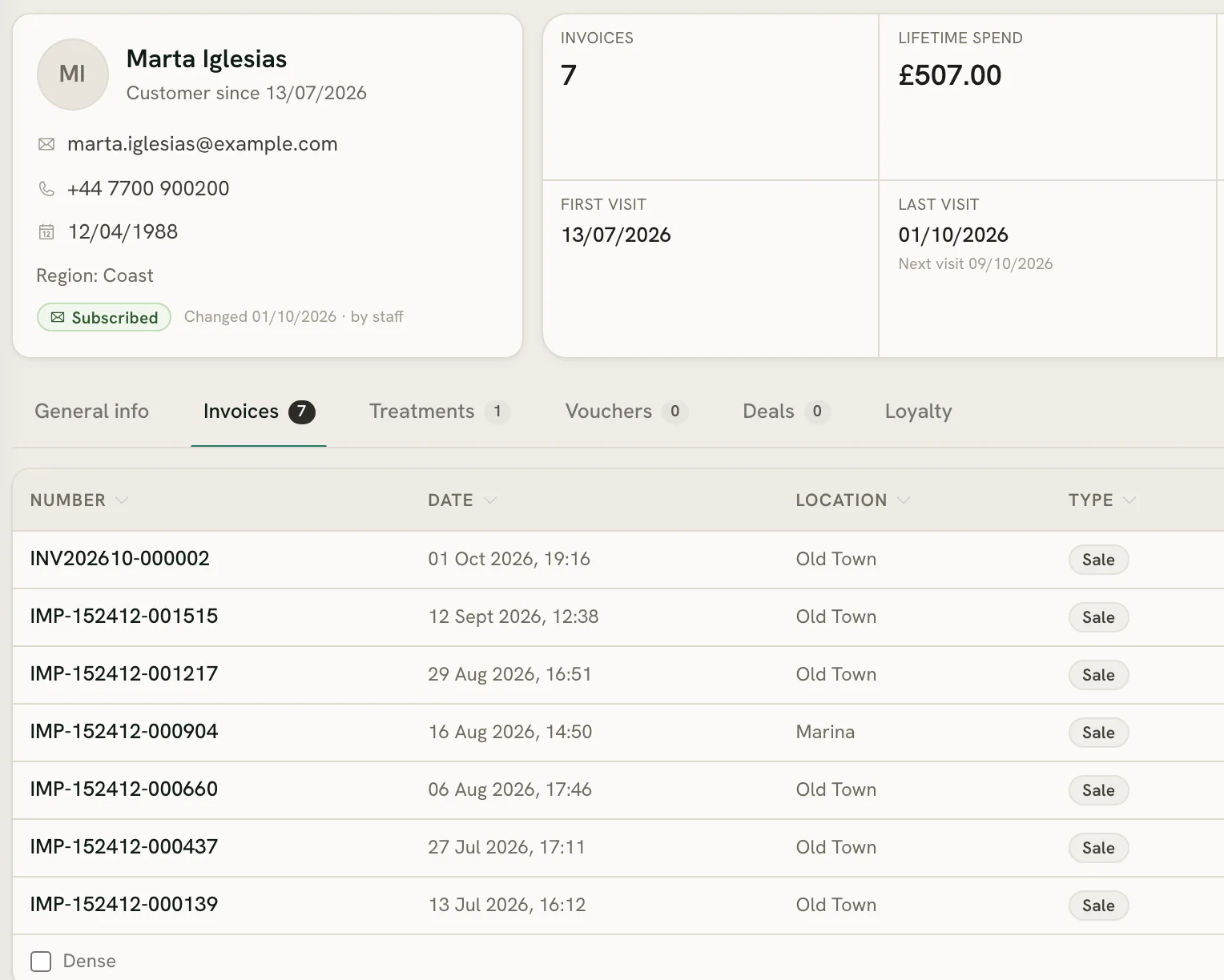
Her treatments and her skincare, in one file
Whoever is at the desk sees the same file: the appointments booked on it, everything she has bought, and what the team should know.
A note for the team
An internal comment on her file holds what the next person should read before she comes in.
Due back, by her own rhythm
Worth a call lists the regulars who’ve stopped coming, each measured against her own usual gap between visits.
Gift cards, all year
Sell a card for any amount, printed with its own code and the expiry you set. It’s spent bit by bit, on treatments or skincare.
Points and offers
Clients earn points on what they spend, faster in the tiers you set. Send offers from your own email to the clients who said yes.
Questions
Questions med spas ask
Can clients book a free consultation online?
Can we sell skincare and a treatment on one ticket?
Does it run on the iPad at our front desk?
Do we pay for each provider?
Run the front desk from one app
Start a free workspace, add your treatments with their lengths and prices, and share your booking link. Nothing is charged during early access.
Free during early access · no card needed
Already use Zero POS? Sign in
Working on your own as an esthetician? See estheticians and beauty therapists